
Small businesses are the #1 target for cybercriminals, not because they’re valuable, but because they’re easy. Here’s exactly what to put in place to stop being an easy target.
There’s a dangerous myth that cybercriminals only go after big companies. The reality is the opposite.
Small businesses are attacked more frequently than large enterprises, they have valuable data, they process payments, and they rarely have dedicated IT security staff. That combination makes them ideal targets.
The good news: you don’t need an enterprise budget to protect your business. Most attacks are preventable with the right basic tools and habits.
The Real Threats Facing Small Businesses in 2026
Before buying any tools, understand what you’re actually protecting against:
Phishing attacks are the most common threat. Employees receive emails that look legitimate but contain malicious links or attachments. One click can hand attackers access to your entire network.
Ransomware encrypts your business data and demands payment to restore it. Small businesses are prime targets because they often don’t have backups.
Password attacks exploit weak or reused passwords. If one employee uses the same password for their work email and a breached website, attackers can get in.
Insider threats, whether malicious or accidental, account for a significant portion of data breaches.
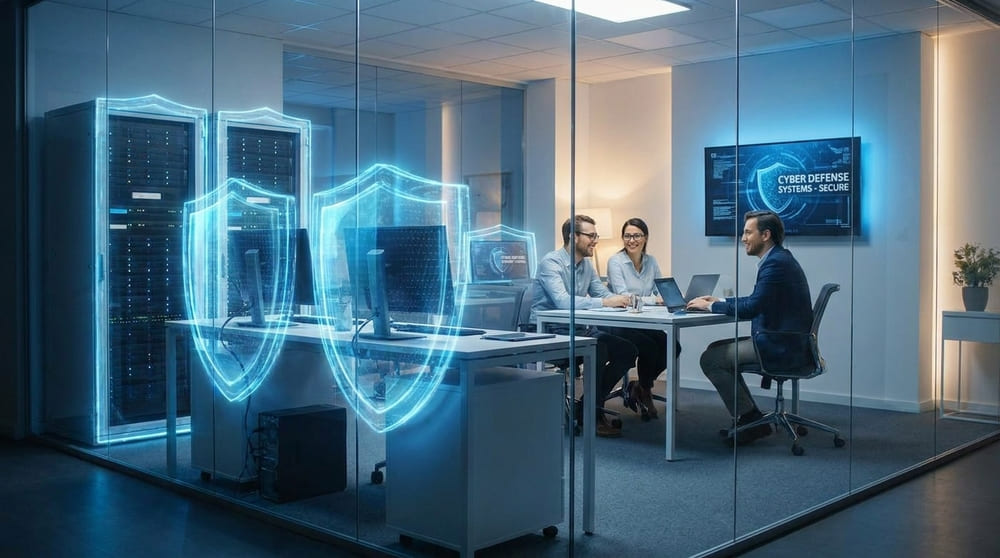
The Essential Cybersecurity Stack for Small Business
1. Password Manager for Teams
This is non-negotiable. Every employee should use unique, strong passwords for every system they access. Without a password manager, this is practically impossible.
Why it matters: Password reuse is the leading cause of business account compromises. One breached personal account can expose your entire business.
Best options for small business:
- Keeper Business: $5/user/month, excellent admin controls, zero-knowledge encryption
- 1Password Teams: $3.99/user/month, excellent usability
- Bitwarden Business: $3/user/month, open source option
What to look for in a business password manager:
- Admin dashboard to manage employee access
- Ability to revoke access when an employee leaves
- Secure sharing of shared credentials (WiFi passwords, shared accounts)
- Audit logs
See our Keeper Review for a detailed breakdown.
2. Business VPN
A VPN encrypts all internet traffic from your devices, protecting data in transit. For businesses with remote workers, this is essential.
Why it matters: Remote employees often work from coffee shops, hotels, or home networks with unknown security levels. A VPN ensures their traffic is encrypted regardless of the network they’re on.
Best options for small business:
- NordLayer (business version of NordVPN): starts at $7/user/month
- Perimeter 81: starts at $8/user/month
- ExpressVPN Business: contact for pricing
See our NordVPN Review for consumer context.
3. Endpoint Protection (Business Antivirus)
Every device connected to your business network needs antivirus and endpoint protection. Consumer antivirus is not enough, you need centralized management.
Why it matters: One infected device can spread malware across your entire network.
Best options:
- Malwarebytes for Teams: $4.17/device/month
- Bitdefender GravityZone: $77.69/year for 3 devices
- Microsoft Defender for Business: $3/user/month (included in Microsoft 365 Business Premium)
4. Email Security
The majority of attacks start with a phishing email. Default email security is not enough.
What to implement:
- Enable multi-factor authentication (MFA) on all email accounts, this alone blocks 99% of account takeover attacks
- Use email filtering, Google Workspace and Microsoft 365 both include solid spam and phishing filters
- Train employees to recognize phishing, see the training section below
5. Regular Backups
Ransomware is only devastating if you don’t have backups. If you have recent backups, a ransomware attack becomes an inconvenience rather than a catastrophe.
Backup best practice – the 3-2-1 rule:
- 3 copies of your data
- 2 different storage media (local + cloud)
- 1 offsite backup (cloud counts)
Tools:
- Backblaze Business Backup: $9/computer/month
- Veeam: enterprise-grade, free tier available
- Microsoft OneDrive or Google Drive, for documents (not a complete backup solution alone)
6. Employee Security Training
Technology alone is not enough. The human element is the weakest link in almost every security breach.
Minimum training every employee should have:
- How to recognize phishing emails
- Password security basics
- What to do if they click a suspicious link
- How to report security incidents
Free resources:
- CISA Small Business Cybersecurity Essentials (free)
- Google’s Phishing Quiz (free, takes 10 minutes)
- KnowBe4 Free Tools (free phishing simulations)

Small Business Cybersecurity Budget Guide
| Company Size | Minimum Monthly Budget | Recommended Budget |
|---|---|---|
| 1–5 employees | $50–$100 | $100–$200 |
| 6–20 employees | $100–$300 | $300–$600 |
| 21–50 employees | $300–$600 | $600–$1,500 |
This covers password manager, VPN, endpoint protection, and basic backup. For most small businesses, this is a fraction of what a single security breach would cost.
Small Business Cybersecurity Checklist
- Password manager deployed for all employees
- MFA enabled on all business accounts
- Business VPN for remote workers
- Endpoint protection on all devices
- Regular automated backups with offsite copy
- Email phishing filters enabled
- Employee security training completed
- Incident response plan in place
- Router firmware updated
- Guest network for visitors
You Might Also Be Interested In
- Network Security for Small Business: Complete Guide
- Keeper Password Manager Review 2026
- NordVPN Review 2026
- Home Computer Network Security Guide
Affiliate Disclosure: CyberPickr may earn a commission if you purchase through links on this page. This does not affect our recommendations. Read our full disclosure.